Investigate Systemd DNS Resolver
January 17, 2025 Reading time: 2 minutes
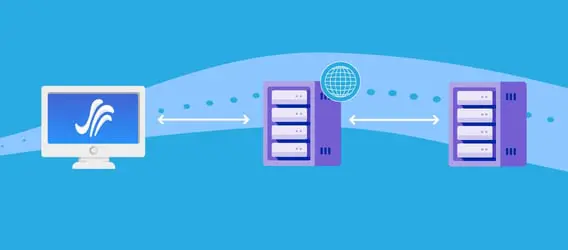
DNS queries using Systemd Resolver can be difficult to grasp at the begining. Here are some commands that can help you understand how Systemd Resolver works under the hood.
Convert PDF to Image
December 22, 2024 Reading time: ~1 minute

pdftoppm -jpeg -r document.pdf doc_imageRecord Audio from Command Line
November 23, 2024 Reading time: ~1 minute
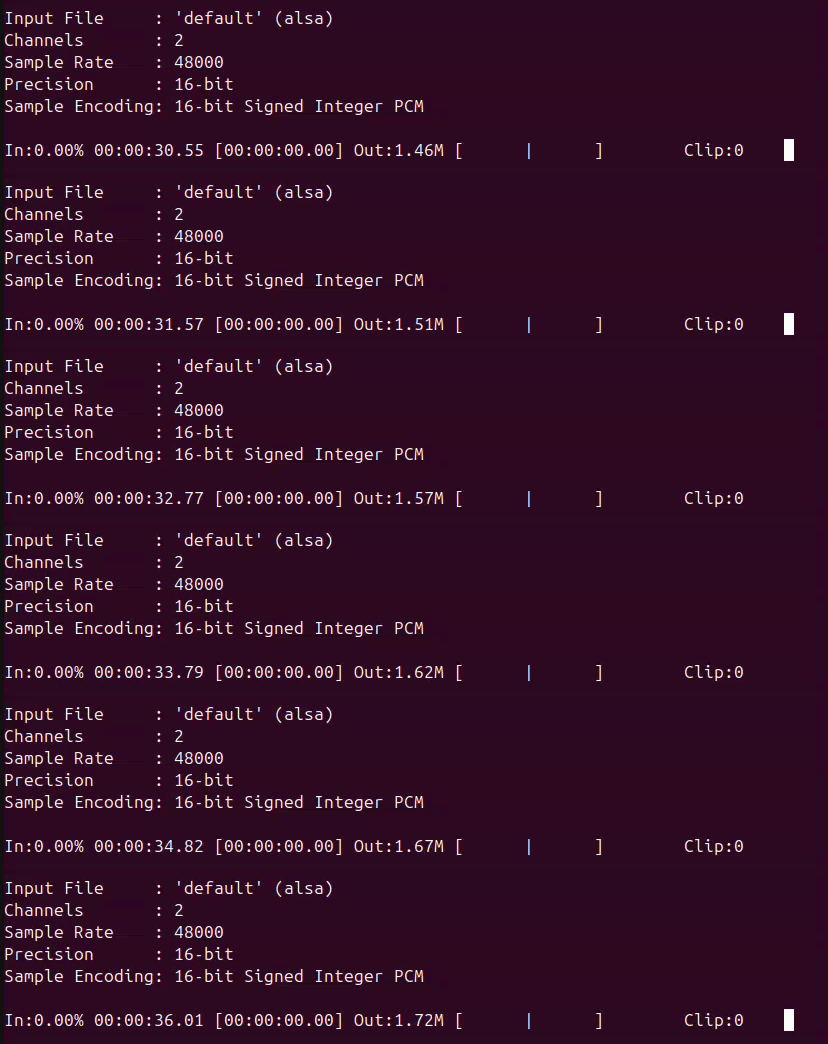
Install sox program
sudo apt install soxOpen the terminal and execute the following command. Your audio will be saved in a new file named "test.wav"
sox -t alsa default test.wavSave Your Routing Table
November 23, 2024 Reading time: 2 minutes
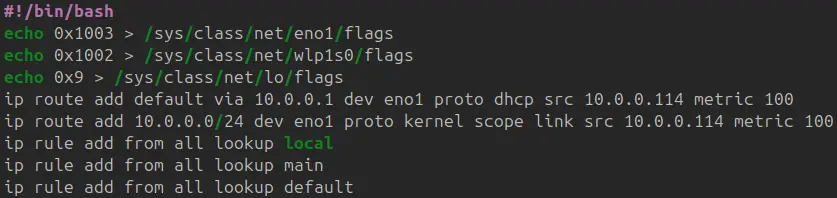
A Python program to save your routing table into a Batch script as a backup. You can also execute the script into another system for fast configuration or automation. The program will generate a new file under the same directory of the program with a name "network.save" that contains the script.
Convert Video to Share on Whatsapp
November 10, 2024 Reading time: ~1 minute

ffmpeg -i broken.mp4 -c:v libx264 -profile:v baseline -level 3.0 -pix_fmt yuv420p working.mp4Create Self-signed Certificate
November 9, 2024 Reading time: ~1 minute

Generate key
openssl genrsa -des3 -out server.key 2048Generate certificate
openssl req -new -key server.key -sha256 -out server.csrSign the certificate
openssl x509 -req -days 365 -in server.csr -signkey server.key -sha256 -out server.crtConvert Video File Suitable for Plex Direct Play
November 9, 2024 Reading time: ~1 minute

A command to convert a video to a format suitable for Plex directly play (no overhead transcode performed by Plex to play the video)
ffmpeg -i inputvideo.mkv -crf 18 -map 0 -acodec copy -scodec copy -c:v libx264 -threads 0 -preset veryslow outputfile.mkv